WoluTools

YouTube Thumbnail Maker

YouTube Thumbnail Maker: photo in, thumbnail out.

Upload a photo of yourself, type three to six words, and download a thumbnail with an automatic cutout, glow, outline and big readable text. No account, no watermark.

START HEREMake my thumbnailJPG, PNG, WebP, AVIF
Maximum
1 photo + optional background · 20 MB each
File handling
Photo deleted after 1 hour · result 24 hours
FREE3 thumbnails a dayNo account needed
PROUp to 200 jobs a day€12.99/month or €89.99/year
See plans

One photo counts as one job. Changing the text and rendering the same photo again is free.

  • No watermark
  • 3 free thumbnails a day
  • Video and Shorts sizes
EXAMPLE RESULTMade with this tool
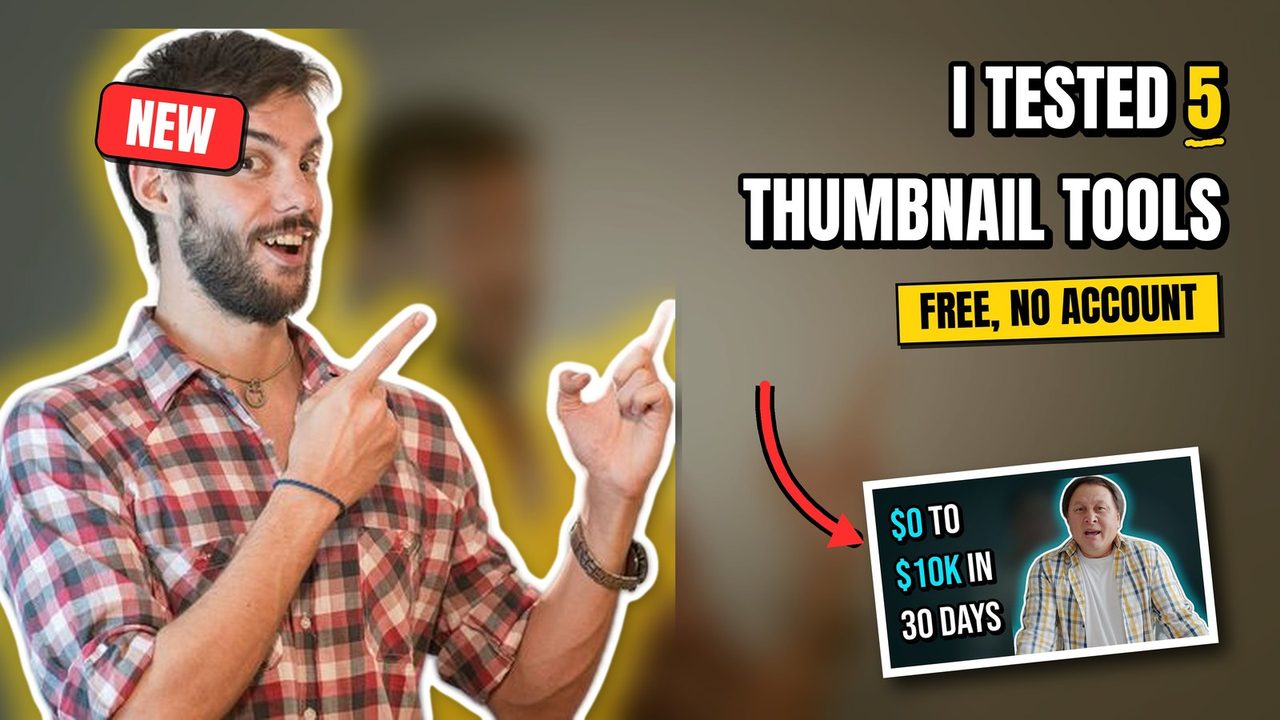
Thumbnail made from a photo: a smiling man pointing up, cut out with a yellow glow and white outline on a blurred background, headline I TESTED 5 THUMBNAIL TOOLS with the 5 in yellow and underlined, a yellow bar reading FREE, NO ACCOUNT, a red NEW badge and a tilted inset picture with a red arrow pointing at it
From one photo and six wordsAutomatic cutout, glow, outline, headline sized to the free space
Video export
3840 × 2160
Shorts cover
2160 × 3840
Render time
about 3 s
Formats, limits & file handling
Works with
JPG, PNG, WebP, AVIF
Limit
1 photo + optional background · 20 MB each · 40 megapixels
You receive
ZIP with full-size JPG or PNG, compact JPG under 2 MB, settings and manifest
File handling
Photo deleted when the draft expires after 1 hour · result 24 hours

Upload a photo or a frame from your video, write the headline, pick a style, render. Change the text and render again as often as you like within the hour.

THREE CLEAR STEPS

From a photo to an upload-ready thumbnail.

  1. 01
    Upload a photo

    A frame from the video works. One person, clearly in front of the background.

  2. 02
    Write three to six words

    Put one word between *asterisks* to colour it. Pick a style and an optional badge.

  3. 03
    Render and download

    Video, Shorts or both. Not happy with the line? Change it and render again for free.

Examples

What the tool does with a photo

Every image below was rendered by this tool from one photo and one line of text. Nothing was retouched afterwards.

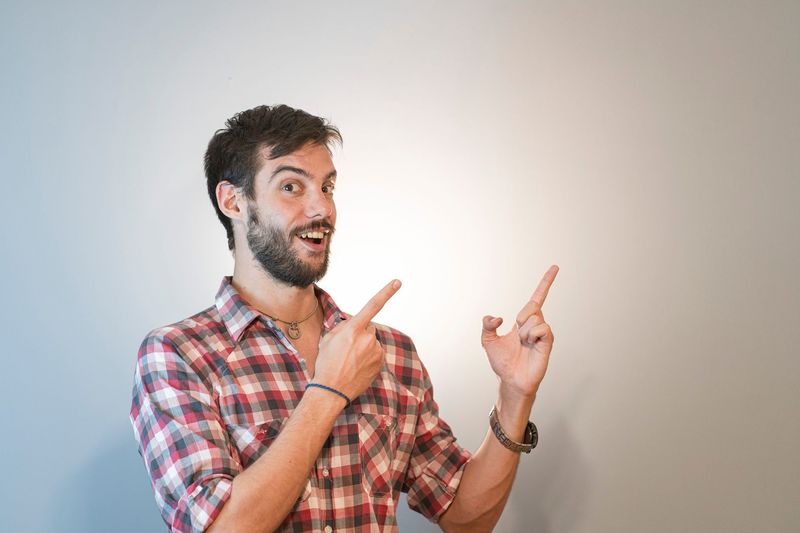
The original photo: a smiling man in a checked shirt pointing up, in a room
Before: the uploaded photo
The finished thumbnail made from that photo
After: style Bold, headline "I tested *5* thumbnail tools", badge NEW

How it works

The three things that make a thumbnail readable

Thumbnails are seen at the size of a postage stamp, between dozens of others. What works is not subtle: a face that is separated from the background, a few words set as large as the space allows, and enough contrast that the words survive being shrunk. This tool does exactly those three things and nothing else.

Cutout. A person-segmentation model running on the WoluTools server separates you from the background. The background is then blurred, darkened and slightly saturated so the cutout stands out, and a glow in the accent colour plus a white outline are drawn around you. If the model finds no person, the photo is used as it is and the text is centred.

Type. The headline is set in Anton, Bebas Neue or Archivo Black, the heavy faces used on most large channels. It starts as large as the free space allows and only shrinks if the words do not fit in three lines. A thick black outline and a hard drop shadow keep it readable on any background, and one word between asterisks is coloured in the accent.

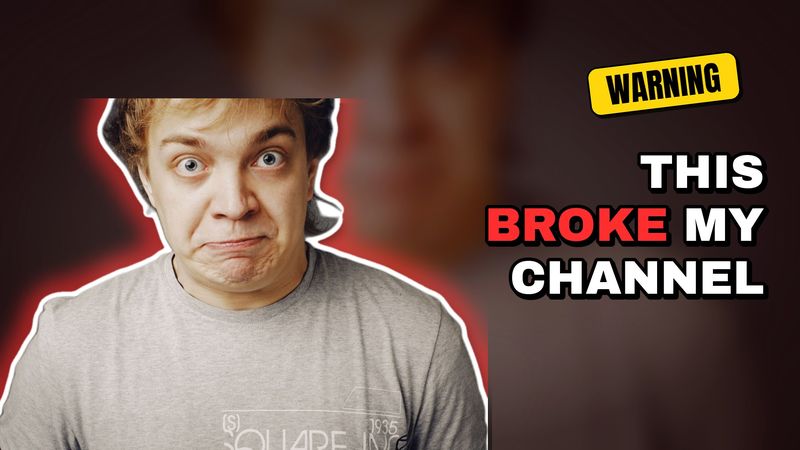
Contrast. Four styles set the colours: Bold (yellow highlight, red badge), Alert (red highlight, yellow badge), Dark (cyan highlight on a darker scene) and Clean (thin outline, blue badge). You can override the accent colour, move the person to the other side, and scale them between 60 and 110 percent of the height.

Render, look, change, render again

A render takes a few seconds. If the line does not land, change it and render again: the same photo does not count as a new job, so you can try five headlines on one free job. The photo is kept for one hour for that purpose and deleted afterwards, or immediately when you choose Start over.

What is in the package

The ZIP contains the full-size file at 3840 × 2160 for video or 2160 × 3840 for Shorts, a compact JPG under 2 MB for uploading from a phone, the exact settings used, and a manifest with byte counts and hashes of every file.

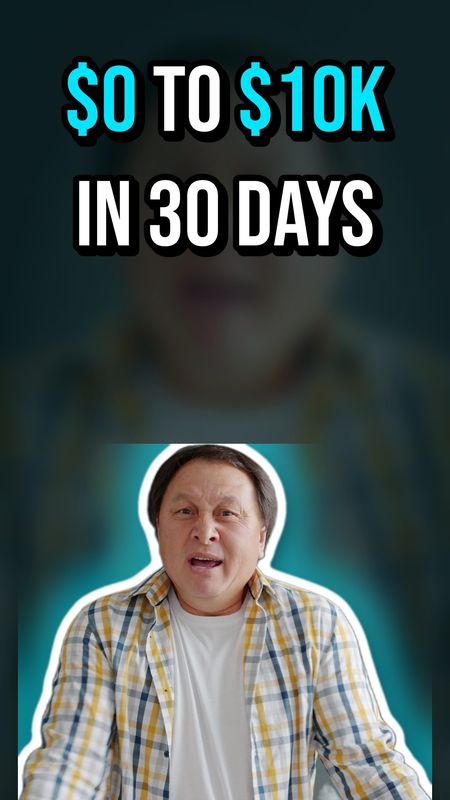
Solo creatorsA frame from the video and one line of text is enough. No design app, no templates to learn.
Channels with a seriesKeep one style and change the photo and the words. The look stays consistent.
ShortsThe same input gives a vertical cover with the person at the bottom and the text on top.
Text-heavy designsIf you need arrows, shapes and full control over placement, use the Thumbnail Editor instead.

Before you start

YouTube Thumbnail Maker FAQ

Short answers about input, cutout, text and deletion.

What do I need to upload?

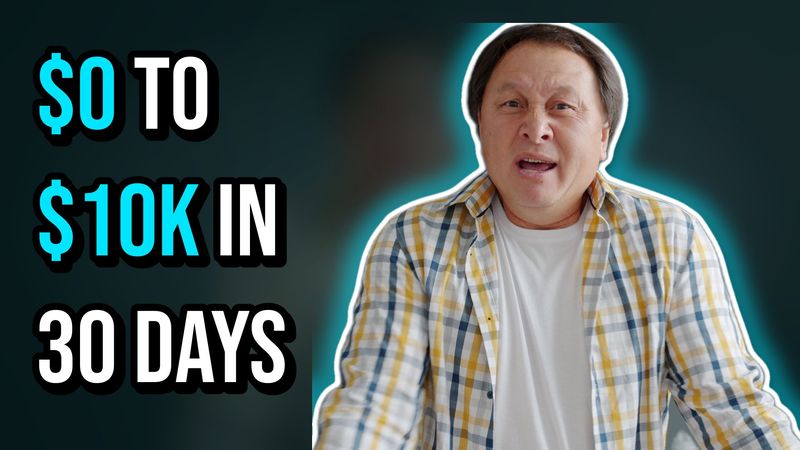
One photo with a person in it, for example a frame from the video or a photo taken against any background. JPG, PNG, WebP or AVIF up to 20 MB. Optionally a second image to use as the background instead of the blurred photo, and optionally a small picture that is placed as a tilted framed inset with an arrow pointing at it.

How is the person cut out?

A person-segmentation model runs on the WoluTools server and produces a soft mask around the person. Nothing is sent to a third-party service. If no person is found, the whole photo is used as the background and the text is centred.

How much text fits?

Up to 60 characters and three lines, but three to six words look best. The headline is set as large as the free space allows. Put a word between asterisks to colour it, and press Enter to force a line break.

Which sizes are exported?

Video artwork at 3840 × 2160 with a compact 1280 × 720 JPG under 2 MB, and Shorts covers at 2160 × 3840 with a compact 1080 × 1920 JPG. You choose video, Shorts or both.

Is it really free and does it add a watermark?

Three thumbnails a day are free without an account, and there is no watermark. Re-rendering the same photo with different text does not count as a new job. Pro raises the daily limit to 200 jobs.

When are my photos deleted?

Uploaded photos are deleted when the draft expires, one hour after the upload, or immediately when you choose Start over. The rendered package stays downloadable for 24 hours.

Available now

Try it with a frame from your last video.

Three thumbnails a day without an account. The photo is deleted after an hour.